One of the most important imaging modalities in the current era is the computed tomography (CT) scan. They generate detailed cross-sectional images that enable a clinician to assess trauma, tumors, vascular disorders, infection, internal injuries, and numerous other disorders.
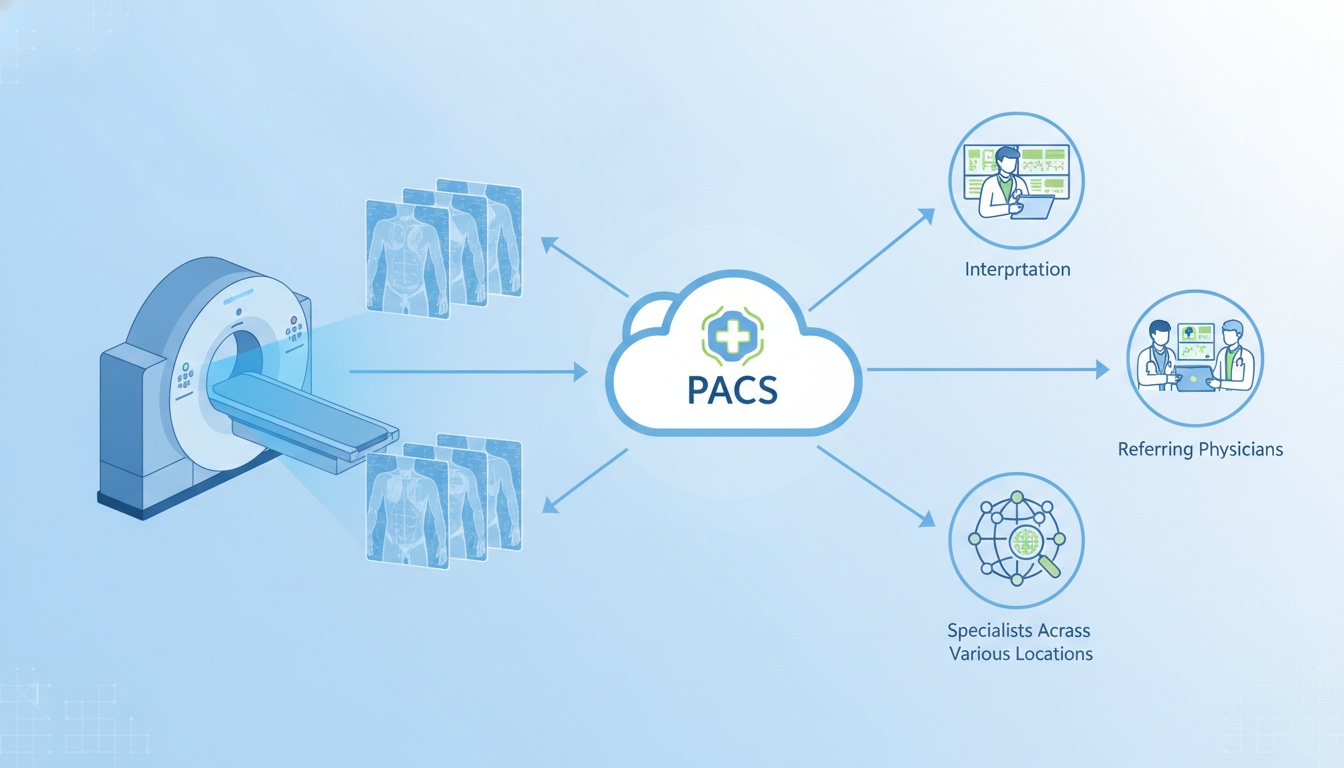
However, the scan is not the end of the story for CT imaging. Images need to be stored, viewed, compared, shared, and retrieved as and when required. This is where PACS comes into play. A well-architected PACS workflow can streamline radiology teams' workflows from image acquisition to interpretation, particularly when CT studies must be viewed by radiologists, referring physicians, and specialists across various locations.
PACS is designed to make it easier to use CT scan equipment by keeping all images digital and allowing the radiologist to easily view, compare, report, and share the data with security. Generally, the images sent by a CT scanner are in DICOM format and then uploaded to a PACS. Authorized users are able to access current and previous studies on a PACS without needing to use physical films or CDs.
A cloud PACS can further enhance this flexibility for modern imaging centers by enabling remote access, larger storage capacity, simple sharing, and managing all CT imaging procedures from the central point from various locations.
Large imaging studies are likely to be created by a CT scan, having numerous image slices. These studies must get from the scanner to the radiologist rapidly in busy imaging centers, such as the emergency room, oncology centers, and outpatient imaging centers.
If the PACS workflow isn't efficient, the team might find that images can't be quickly retrieved, previous studies can't be compared, results can't be shared, or outside specialists can't access the scan. This will slow communication and make imaging operations less efficient.
PACS allows the digitization of CT images and retrieval from a central system. Radiologists can access the study, review the image series, make comparisons with existing studies and communicate the results with the care team.
The majority of CT scanners output images in the DICOM format. The DICOM standard enables medical images and patient data to be stored and shared in a standardized manner. To get a better understanding of the relationship between DICOM and PACS, PostDICOM guides answer questions like: What is the difference between DICOM and PACS?
The typical workflow for CT to PACS is as follows:
| Workflow Step | What Happens |
| CT scan is performed | The scanner captures cross-sectional images of the patient |
| Images are saved as DICOM | The CT study is formatted with image data and patient/study information |
| Images are sent to PACS | The scanner or routing system transfers the study to PACS |
| Radiologist opens the study | The CT images are reviewed in a diagnostic viewer |
| Prior studies are compared | Previous CT scans can be retrieved for side-by-side review |
| Images and reports are shared | Results can be shared with physicians, specialists, or patients when needed |
This process helps reduce reliance on physical media and provides authorized users with faster access to the images they need.
Reliance on local servers and local infrastructure has been common in traditional PACS systems. This may be good for some organizations, but the volume of CT imaging can rapidly increase. Local infrastructure can be more difficult to manage with large studies, multi-location access, remote radiology, and long storage.
A cloud PACS provides a more flexible approach to storing, accessing, and managing a CT study. CT images can be securely stored in the cloud and accessed by authorized users from various locations, rather than relying solely on local hardware.
This is particularly helpful when using:
• Imaging Centers With Multiple Branches
• The Radiologists Who Require Remote Access.
• Clinics Wishing To Decrease The Sharing Of Cds/dvds
• Facilities With A Growing Volume Of Ct Content In Their Archive
• Rapid Access For Care Teams To Prior Studies
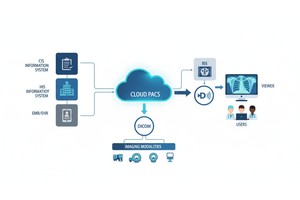
Cloud PACS also caters to the needs of a wider imaging infrastructure. For situations where CT scans need to be used in conjunction with MRI, ultrasound, X-ray or PET, a cloud-based system can help facilitate more centralized workflows. For multimodal imaging, this is a more comprehensive infrastructure strategy, as described in PostDICOM's article on cloud PACS.
 - Created by PostDICOM.jpg)
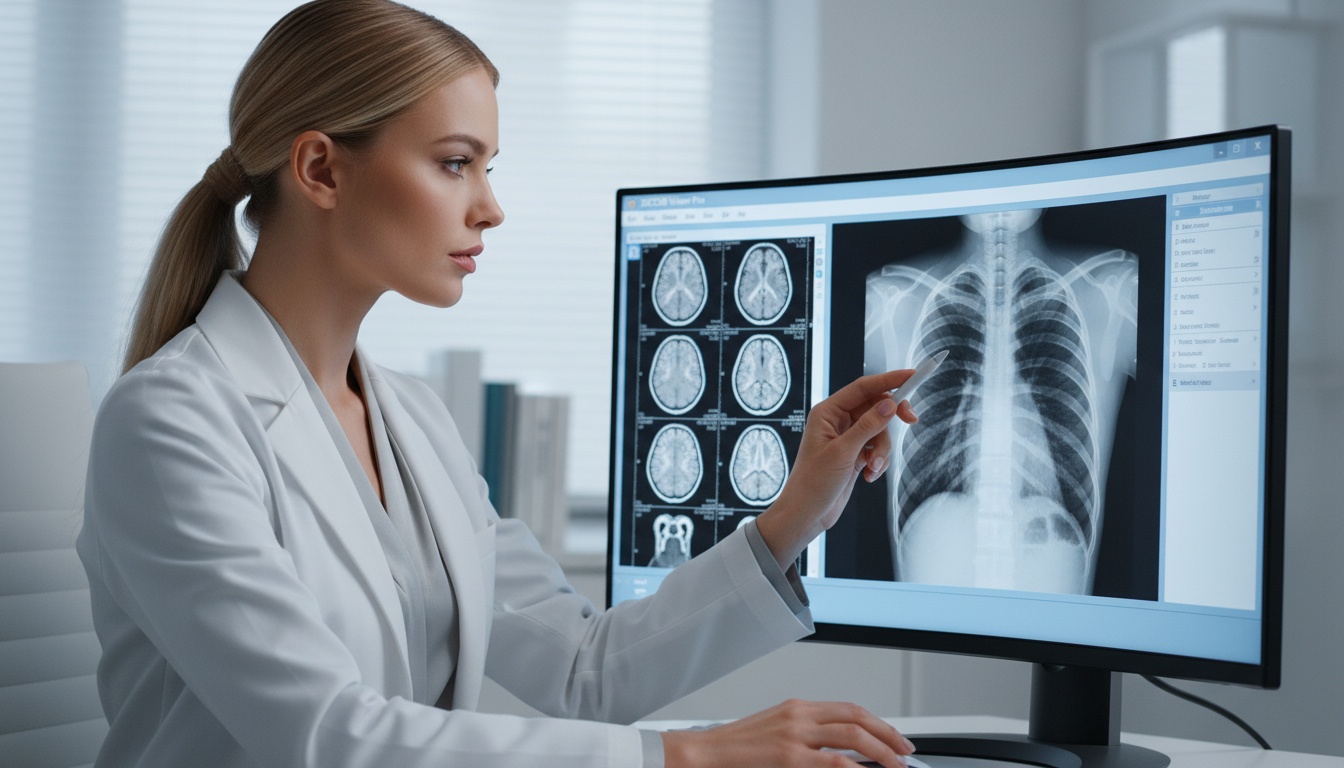
The quality of the PACS workflow is not just about the storage; it's also about the ability of the radiologists to view and interpret studies. CT scans can involve scrolling through slices of the images, adjusting window levels, comparing previous scans, and examining information from various series.
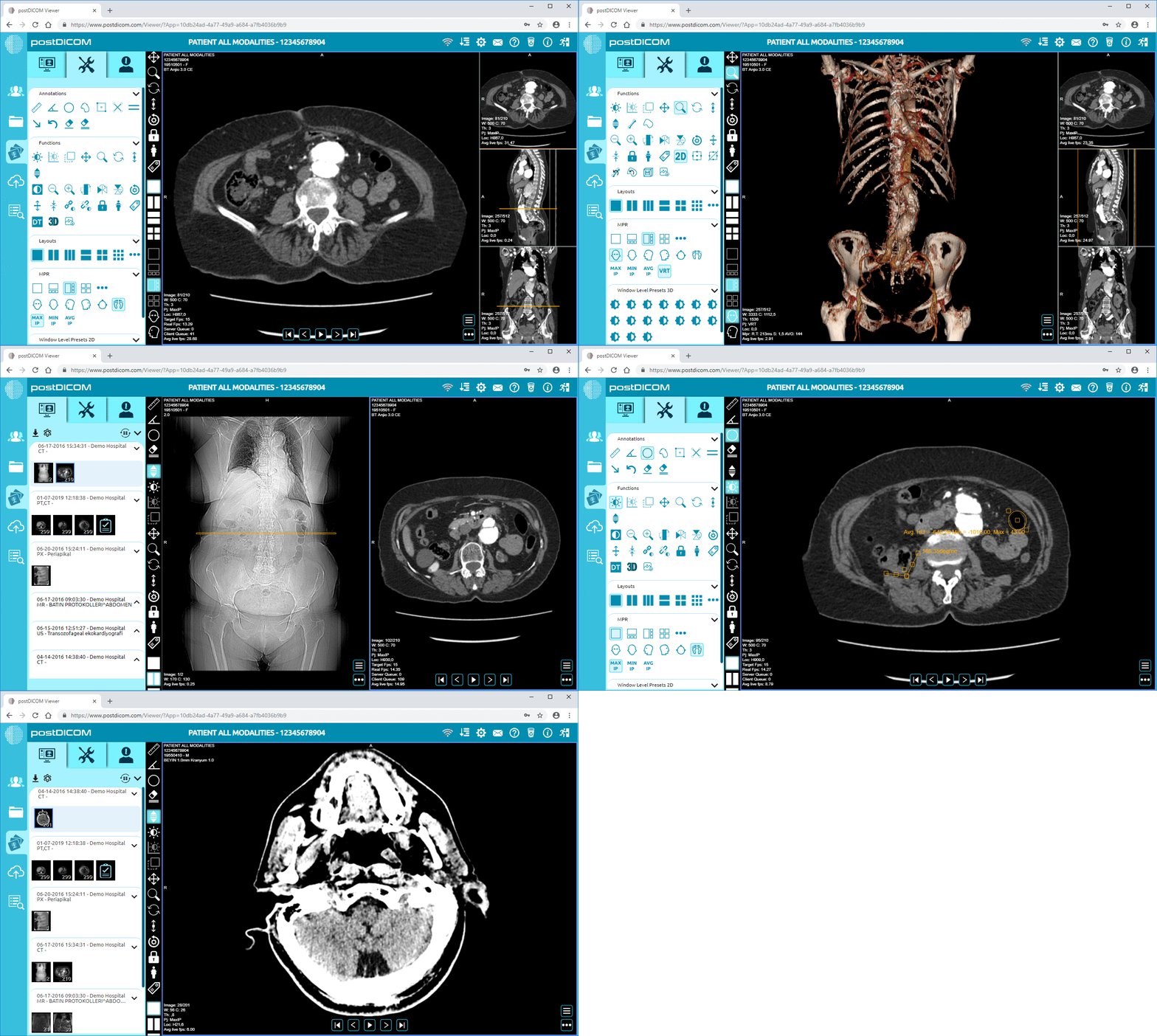
A web-based Diagnostic DICOM Viewer can assist radiologists and physicians to access CT images from any location without the need to rely on a specific local workstation. This can help to streamline review, facilitate collaboration, and provide more flexibility regarding imaging studies.
It is also crucial to make comparisons with the past. For instance, comparing previous and current CT scans is typically compared in the case of oncology, trauma follow-up, or chronic health management. PACS facilitates that comparison by making studies easily accessible and organized.
There are instances when a CT image is required outside the radiology department. The study might need to be made available to referring physicians, surgeons, oncologists, emergency care teams, and patients.
Secure medical image sharing enables authorized users to access imaging studies more efficiently, as opposed to burning images to a CD or transferring them by hand. This can help shorten delays, facilitate coordination, and facilitate sending out CT scans for second opinions or follow-up care.
It is important to make a good plan for the CT-PACS setup. Imaging teams should verify prior to integration of a CT scanner with PACS or cloud-based PACS:
• The Ct Scanner Is Dicom Compatible.
• Ae Title, Ip Address And Port Settings Are Set Properly
• Test Studies Are Sent And Verified Before Using Full Use
• The Permissions And Access Controls Of Users Are Defined
• Backup & Retention Policies Are Well Defined
• Radiologists And Technologists Are Familiar With The Workflow
When organizations are routing imaging devices directly to the cloud, PostDICOM's medical device-to-cloud PACS routing guide provides a more realistic perspective on how imaging devices can be routed to a cloud PACS environment.
Integrating CT-PACS can be a significant change in workflow, but typical challenges should be addressed at an early stage.
It is possible that there may be compatibility issues with older imaging devices and the PACS. Wrong information can also lead to duplication of records or difficulty in retrieving studies. For large CT studies, good network performance, particularly for transferring images between sites, may be required.
Training is also a key factor. The information from studies should be sent, retrieved, viewed, and shared in a manner that would be familiar to radiologists, technologists, and administrative personnel. Even though a system is technically sound, a good workflow is essential for it to be usable in the day-to-day.
PACS digitally stores, retrieves, displays, and shares CT images. It facilitates the use of current and previous scans without the need to physically retrieve CDs or films, or by manual transfer.
Yes. Typically, medical images and study information are sent from the CT to the PACS via DICOM. DICOM is used to ensure proper storage, transfer, and opening of the images.
Cloud PACS (picture archiving and communication system) is beneficial for CT scans, as CT studies may be large and require access from various users, who may be located at various places. Cloud storage can help with remote access, image sharing, backup, and scalable management of archives.
Yes. PACS enables radiologists to access past CT examinations and review them alongside newer CT examinations. This is helpful for monitoring the course of disease, response to therapy, injuries, and follow-up results.
No. PACS can be used by hospitals, outpatient imaging centers, specialty clinics, mobile imaging providers, and other healthcare organizations that need to store and manage medical images.
CT scans are valuable for their diagnostic information, but their maximum utility requires efficient postacquisition management of the images. PACS can be used to store, retrieve, compare, and share CT studies in a more organized manner to help radiology staff.
With cloud PACS, modern imaging workflows become even more flexible; they allow remote access to patient images, scalable storage, and collaboration between care teams.
|
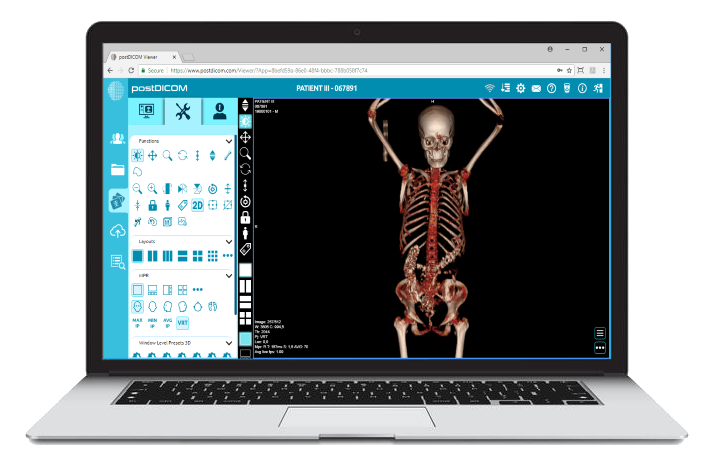
Cloud PACS and Online DICOM ViewerUpload DICOM images and clinical documents to PostDICOM servers. Store, view, collaborate, and share your medical imaging files. |