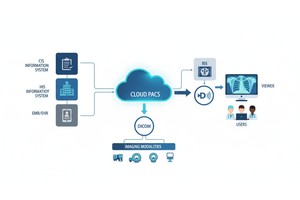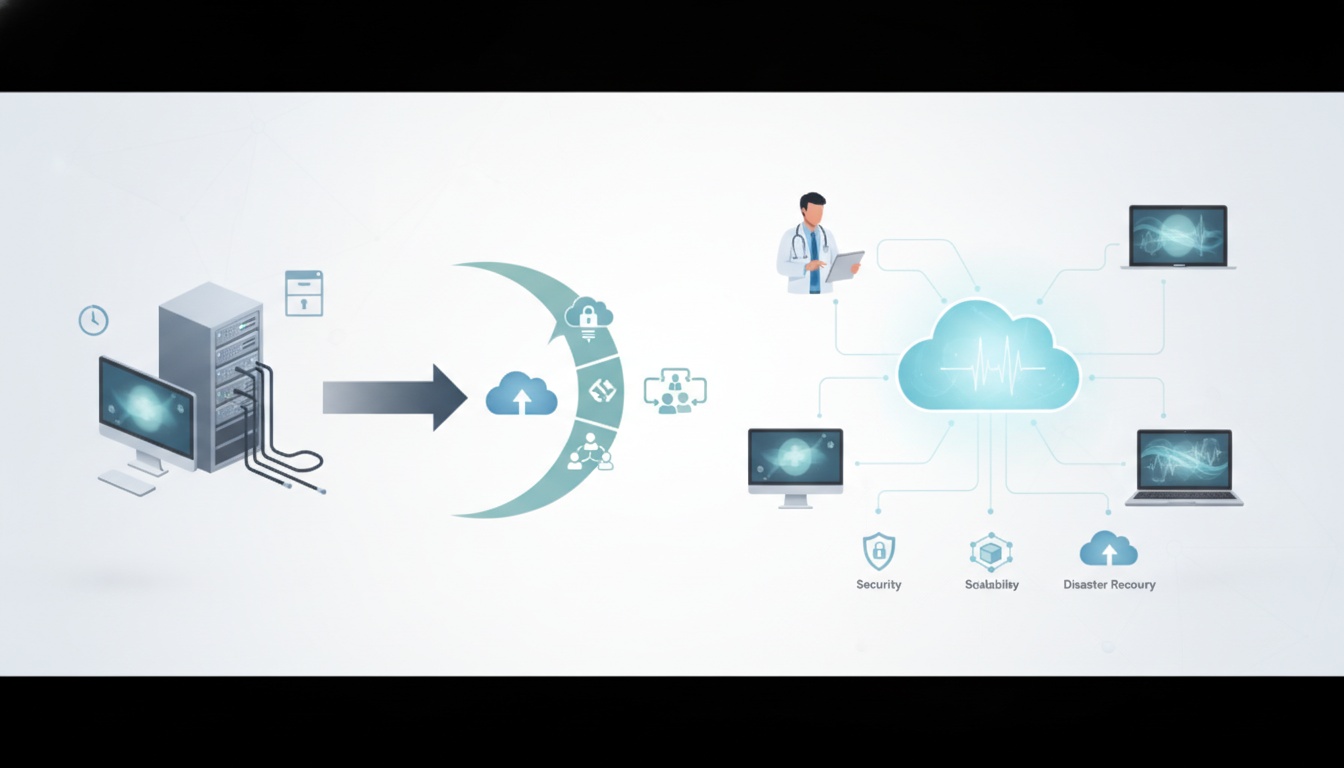
Medical imaging workflows no longer have to be sequential, confined to a single workstation, department, or local storage system. For many practices, the demand for speedy access to imaging studies, simple collaboration, scalable storage, and reliable backup is becoming ubiquitous, without the need to maintain an on-site server. A modern cloud PACS solution can provide medical practices with a more efficient imaging data management system and eliminate the need for antiquated PACS infrastructure.
Medical practices can securely upload, access, share, and store medical images with Cloud PACS, a secure cloud-based solution. Can enhance remote access, minimize reliance on local hardware, provide scalable storage, ease the sharing of images, and bolster disaster recovery planning.
Cloud PACS may be a viable on-premises PACS alternative for clinics, imaging centers, hospitals, and specialty practices that use DICOM images.
Cloud PACS is a picture archiving and communication system designed to store medical images in a cloud environment rather than relying solely on local servers. Cloud-based PACS enable authorized users to upload, organize, view, and share DICOM studies on a web-connected platform.
Traditional PACS typically require local hardware, local server maintenance, software updates, backup systems, and internal IT support. Cloud PACS helps reduce that infrastructure burden on the practice while allowing it to continue performing imaging functions.
| Feature | Traditional PACS | Cloud PACS |
| Storage | Local servers and on-site infrastructure | Cloud-based storage that can scale with imaging volume |
| Access | Often limited to local networks or configured workstations | Accessible to authorized users from different locations |
| Maintenance | Requires hardware upkeep, updates, and IT support | Vendor-managed infrastructure reduces local maintenance |
| Sharing | Often depends on CDs, VPNs, or manual transfer | Supports easier digital sharing with patients and physicians |
| Disaster recovery | Depends heavily on local backup planning | Cloud backup can support continuity if local systems fail |
| Cost structure | Higher upfront infrastructure cost | More predictable subscription or usage-based cost |
Better access is one of the key benefits of cloud PACS. Authorized users can access imaging studies via a secure online system, without relying on a single workstation or local network.
This can facilitate the review of studies by radiologists, referring physicians, and clinical teams across different locations. Suitable for workflows such as multi-location, remote consultation, after-hours review, and second opinion.
If you have the proper permissions, cloud access can help reduce delays caused by CDs, location restrictions, or physical media.
Medical images can be large, particularly CT, MRI, ultrasound, mammography, and multi-series DICOM studies. The more data is added to the images, the more difficult and expensive local storage becomes.
Cloud PACS offers practices flexibility in storage. Practices can grow cloud storage as their needs grow, rather than continually investing in new local servers.
This is useful for:
• Clinics With Increasing Imaging Volume
• Imaging Centers Handling Large Dicom Studies
• Multi-location Practices
• Specialty Practices That Need Long-term Image Access
• Organizations Are Trying To Reduce Physical Archive Dependency
Cloud storage still requires proper data policies, but it can make long-term image management easier and more scalable.
The cost of a traditional PACS includes hardware (servers, storage devices, and networking equipment), software (PACS, networking, and backup software), and IT support and maintenance. This can strain the finances and operations of small and mid-sized practices.
Cloud PACS can take away much of that burden by shifting a lot of the infrastructure management to the cloud provider. While user management, access control, and workflow planning are still needed for the practice, it doesn't need to store all imaging archive elements locally.
It can also help to predict the budget. Practices can consider storage, user and sharing requirements by implementing potentially more affordable Cloud PACS pricing plans instead of costly hardware refreshes.
So many practices are still sharing medical images via manual upload, CDs, DVDs, or USB drives. These techniques may delay the process of referrals, second opinion and communication with patients.
By enabling authorized users to share studies digitally with other physicians, patients, or outside experts, Cloud PACS can enhance medical image sharing. This is helpful for a physician who requires images in advance of an appointment, a patient who wants access to a study, or a specialist who wants to review images without waiting for paper copies.
A secure sharing workflow can streamline administrative tasks and ensure that all parties can access images more easily.
The condition of on-site systems is a key factor in a local PACS. If backup planning is inadequate, hardware failures, local network problems, natural disasters, or security issues may affect access to imaging data.
Cloud PACS can be used for disaster recovery by storing imaging data at an external location. Depending on the practice's configuration, internet availability, and backup policies, the practice may still be able to access studies on the cloud system if a local device or server fails.
This doesn't replace risk planning. Practices should still assess access to the practice, employee training, backup protocols, and vendor security measures.
 - Created by PostDICOM.jpg)
Cloud PACS can be used in a number of healthcare settings.
It is an ideal solution for small and medium-sized clinics to not have to invest in a local PACS setup. Scalable storage, simple sharing, and remote access for radiologists or referring doctors are potential advantages to imaging centers. Centralizing imaging access is an option for multi-location practices, rather than having separate systems at each office.
Cloud PACS can also be used by specialty practices such as orthopedics, cardiology, dentistry, and veterinary imaging to manage imaging studies without relying on complex local archives.
The typical cloud PACS workflow involves uploading DICOM studies, organizing patient imaging records, viewing images, sharing studies, and storing data for future retrieval.
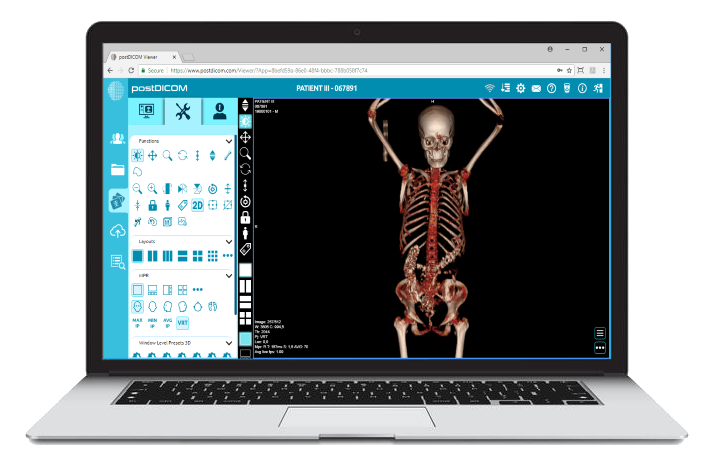
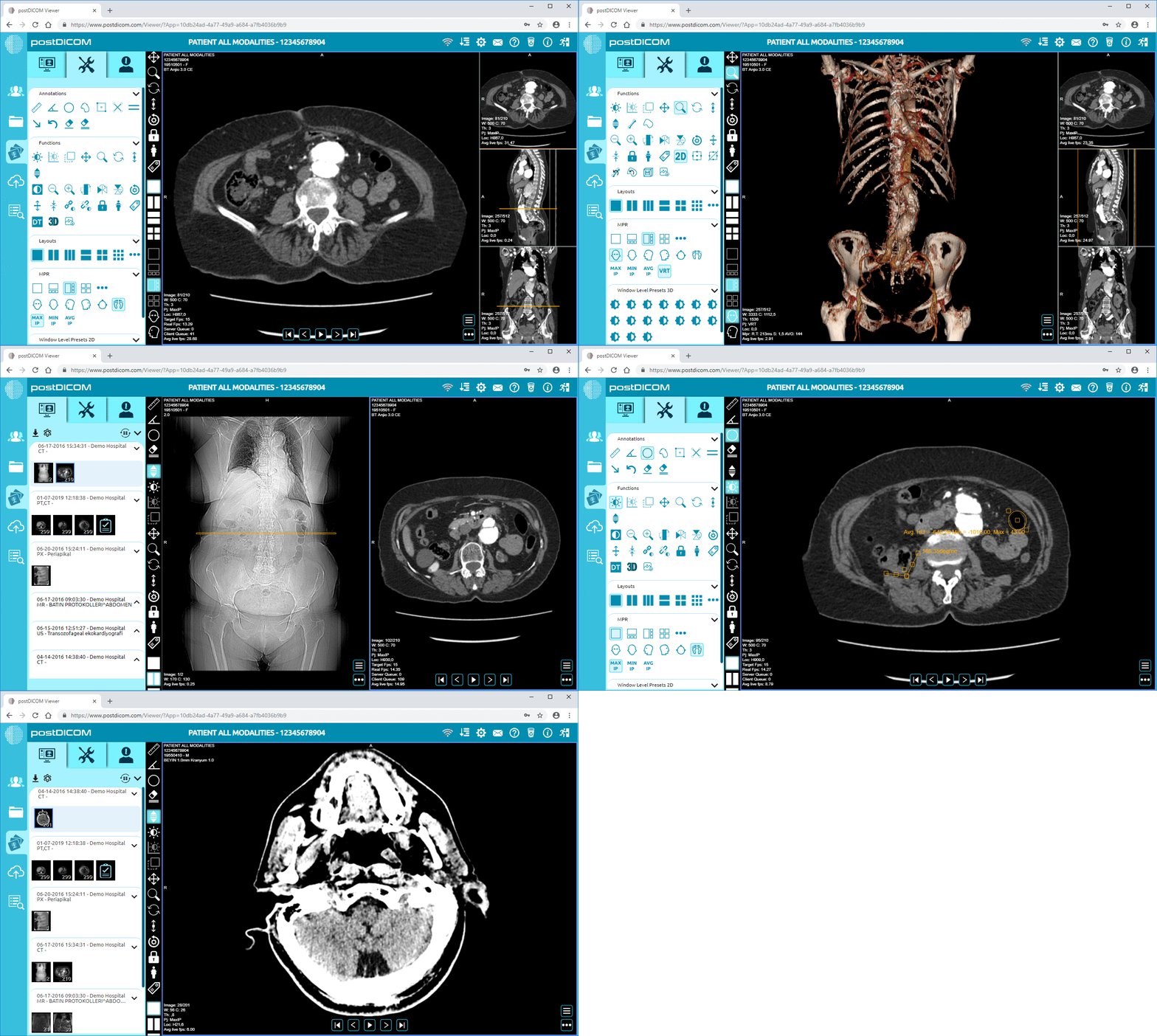
With the addition of a browser-based Diagnostic DICOM Viewer, radiology staff and clinicians can examine images without necessarily needing to be connected to a DICOM-installed workstation. This provides more flexibility in workflow for practices that require secure access by multiple users, devices, or locations.
Any decision regarding cloud PACS should include security as a top consideration. Practices should audit the system encryption, user access, authentication, auditing, password policies, and secure sharing.
While Cloud PACS can facilitate secure imaging workflows, the practice needs to use the system properly. This involves setting up user roles and permissions correctly, restricting access when necessary, educating employees, and ensuring that the vendor's security strategy aligns with the company's privacy and compliance standards.
Cloud PACS ensures the storage, viewing, management, and sharing of medical imaging studies via a cloud-based platform. It makes it easier for practices to reduce reliance on local servers and physical image transfer techniques.
Cloud PACS might be better suited to practices that require remote access, scalability, increased sharing, and reduced hardware maintenance. For organizations that want 100% local control of the infrastructure, traditional PACS may still be appropriate.
Cloud PACS can help reduce initial hardware costs and server maintenance. The final price will also be determined by storage requirements, usage, sharing, and features.
Yes, cloud PACS can be beneficial for small clinics because it allows for a less complex office infrastructure. It can be used in smaller practices to store, view, and share imaging studies without maintaining large local servers.
Cloud PACS can be secure when it provides access controls, secure authentication, user permissions, appropriate administrative policies, and encryption. Practices should review the vendor's security features prior to installation.
|
Cloud PACS and Online DICOM ViewerUpload DICOM images and clinical documents to PostDICOM servers. Store, view, collaborate, and share your medical imaging files. |